
You can restart VPS via the command line or SolusVM.
How to Reboot/Restart a VPS via SolusVM?
1. Log in to your SolusVM Control Panel.
2. If you have multiple VPSs, select the appropriate one.
3. Click on Reboot.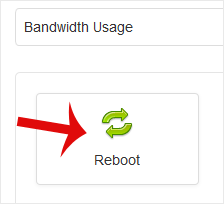
4. Choose Yes to confirm.
It may take some time to reboot. Then, it will display the message.
How to Reboot/Restart a VPS via Command Line?
1. Log in to your SSH Client.
2. Enter the command shutdown -r now.
Once you execute the command, it may take some time for the VPS to reboot. If the VPS does not come online after 5 to 10 minutes, we advise you to reboot it from SolusVM.
- Accueil
-
Boutique
- Tout parcourir
- Hébergement Web
- WordPress Hosting
- Reseller Hosting
- Cloud VPS Hosting
- OpenXchange
- Email Spam Filtering
- Google Workspace
- SSL Certificates
- CodeGuard
- SiteLock
- Marketgoo
- NordVPN
- Weebly Website Builder
- 360 Monitoring
- Courriel professionnel
- Services de courrier électronique
- Certificats SSL
- Sauvegarde de site Web
- Sécurité des sites Web
- Outils SEO
- VPN
- Constructeur de sites Web
- Surveillance des sites et des serveurs
- Enregistrer un nom de domaine
- Transférer un nom de domaine
- Actualités
- Base de connaissances
- Nous contacter
-
Plus
